Infographics Template Bundle V.5: A Practical Choice for Clean, Editable Visual Content
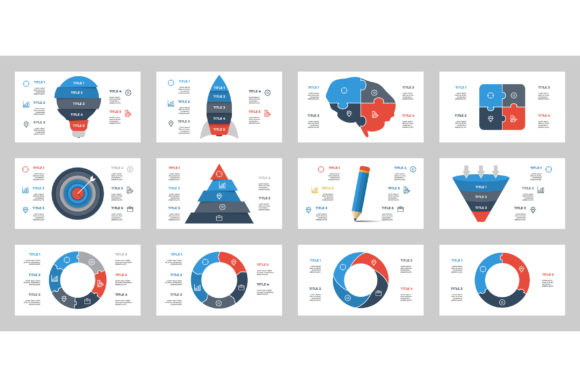
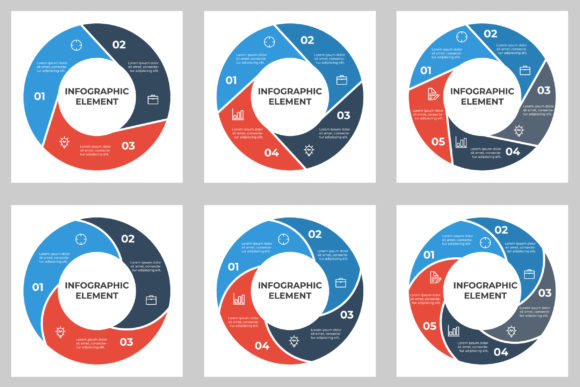
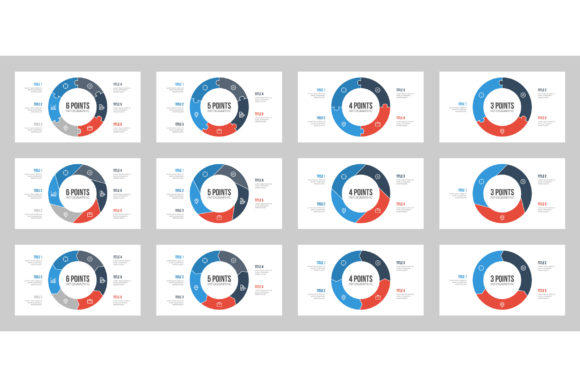
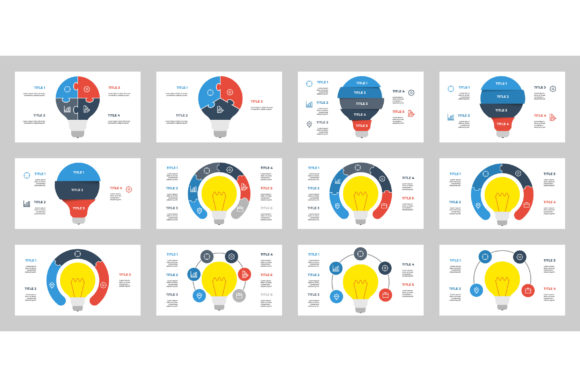
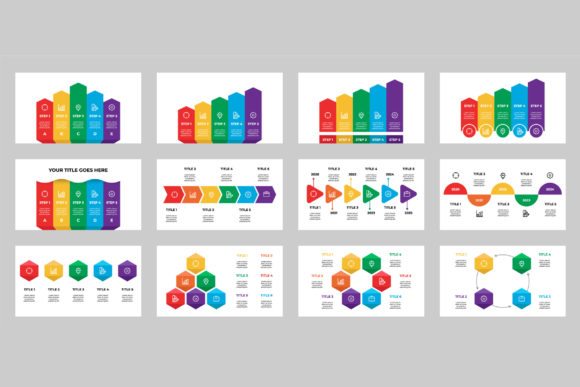
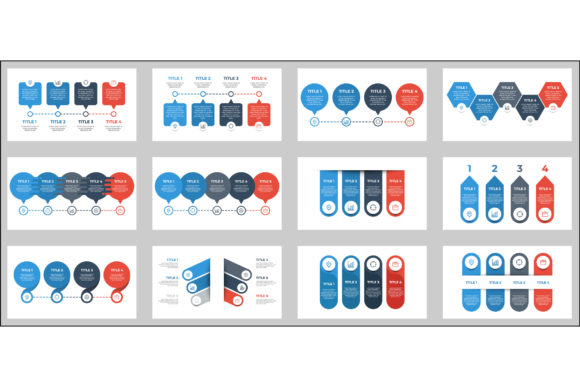
Infographics Template Bundle V.5 offers a collection of 12 unique infographics templates designed with a minimalist aesthetic and a consistent 16:9 aspect ratio. This package is ideal for professionals, educators, and content creators who need visually engaging materials without the complexity of intricate design work. Each template is available in editable vector formats—Illustrator CC and EPS 10—allowing users to customize text, colors, and layout elements to match branding or presentation needs. A preview JPEG is also included for quick reference, making it easier to visualize the final output before making edits.
What Sets Infographics Template Bundle V.5 Apart
The standout feature of this bundle is its balance between flexibility and simplicity. Unlike generic templates that may require significant reworking, these designs are intentionally clean, reducing visual clutter while maintaining clarity. The minimalist approach ensures that data and messaging remain the focal point, which is especially useful for presentations, reports, and digital marketing materials.
Each template is built with a 16:9 aspect ratio, making it well-suited for modern screen formats commonly used in slideshows, video presentations, and on-screen displays. The editable vector files allow for scalability without loss of quality, which is essential for both digital and print applications. Users who need to adapt visuals for different platforms will appreciate the ability to resize and reconfigure layouts without compromising resolution.
Comparing Infographics Template Bundle V.5 with Similar Options
When compared to other infographic templates available online, Infographics Template Bundle V.5 distinguishes itself through its structured yet adaptable design philosophy. Many free or budget templates found on various platforms tend to be either overly complex or too rigid to modify effectively. This bundle avoids both extremes by offering a curated set of layouts that are intuitive to edit and versatile in application.
For users who rely on tools like Canva or Adobe Express for infographic creation, pre-built templates can be a time-saver. However, those platforms often limit customization depth, especially when it comes to vector-level editing. In contrast, the Illustrator and EPS files included in this bundle provide full access to layers and design elements, giving users more control over the final output. This makes it a better fit for those who need precise adjustments or plan to integrate the infographics into larger design projects.
Strengths and Tradeoffs of Infographics Template Bundle V.5
One of the primary strengths of this bundle is its professional-grade format. The inclusion of vector files ensures that users can scale visuals for different mediums without encountering pixelation or distortion. Additionally, the minimalist design approach supports a wide range of content types—from statistical data to process flows—without requiring extensive redesign.
However, there are tradeoffs to consider. While the templates are editable, they do require some familiarity with graphic design software like Adobe Illustrator. Users who are not comfortable working with vector files may find the learning curve steeper than expected. In such cases, cloud-based design tools with drag-and-drop interfaces might be more user-friendly, even if they offer less control over the final design.
Another consideration is the fixed number of templates included—12 in total. For projects requiring a broader variety of layouts, additional purchases or supplemental templates may be necessary. That said, the curated nature of this bundle ensures a cohesive visual style across all templates, which can be an advantage for branding consistency.
Best Use Cases for Infographics Template Bundle V.5
This bundle is particularly well-suited for professionals who need high-quality, customizable infographics for business presentations, educational materials, or marketing campaigns. For example, a marketing manager preparing a quarterly performance report can quickly adapt one of the templates to display key metrics in a visually compelling way. Similarly, educators can use the layouts to create engaging visual summaries for classroom instruction or online learning modules.
It’s also a strong option for freelancers or agencies that frequently produce client-facing materials. The ability to edit text and design elements ensures that each infographic can be tailored to specific brand guidelines, saving time compared to building visuals from scratch. Additionally, the 16:9 aspect ratio aligns well with modern slide formats, making it easy to embed these visuals into PowerPoint or Google Slides presentations.
When Another Option Might Be Better
While Infographics Template Bundle V.5 offers a solid foundation for many use cases, there are scenarios where alternative resources may be more appropriate. Users who need a larger volume of templates or more diverse design styles might benefit from broader template libraries or subscription-based design platforms. These options often provide access to hundreds of templates across multiple categories, which can be more cost-effective for frequent users.
For those who prioritize ease of use over design flexibility, browser-based infographic tools with built-in templates and drag-and-drop editors could be a better fit. These platforms typically require no prior design experience and allow for quick creation and publishing, although they may lack the high-resolution output and full customization capabilities of vector-based templates.
Additionally, if your project requires animated or interactive infographics, static templates like those in this bundle may not meet your needs. In such cases, exploring tools that support motion graphics or interactive data visualization would be more appropriate.
Decision Factors to Keep in Mind
When evaluating whether Infographics Template Bundle V.5 is the right choice, several factors should guide your decision:
- Design Flexibility: If you need scalable, fully editable templates that can be adapted to different branding or layout requirements, this bundle is a strong contender.
- Software Proficiency: Comfort with Adobe Illustrator or similar vector editing software is necessary to take full advantage of the included files.
- Volume and Variety: Consider whether 12 templates will be sufficient for your current and future projects, or if you need access to a larger template library.
- Output Quality: For high-resolution print or large-format digital displays, the vector-based nature of this bundle ensures clarity and professionalism.
- Time Constraints: If you're under tight deadlines and need to create infographics quickly without design expertise, alternative tools with simpler interfaces may be more efficient.
Final Thoughts
Infographics Template Bundle V.5 provides a practical solution for users who value clean design, scalability, and customization. It strikes a balance between ready-made convenience and professional-grade flexibility, making it a worthwhile investment for those who regularly create visual content. However, as with any design resource, its suitability depends on your specific needs, technical skills, and long-term usage plans. By carefully considering your project requirements and comparing them against what this bundle offers, you can make an informed decision that supports both quality and efficiency in your visual communication efforts.