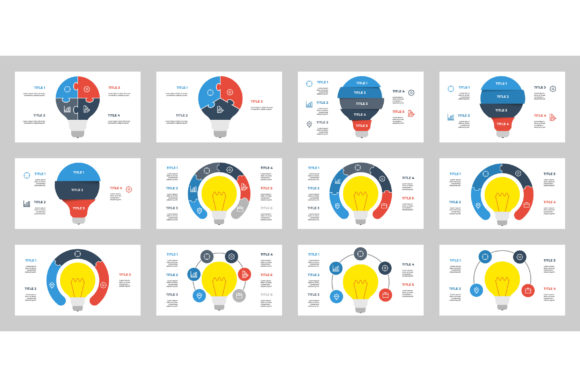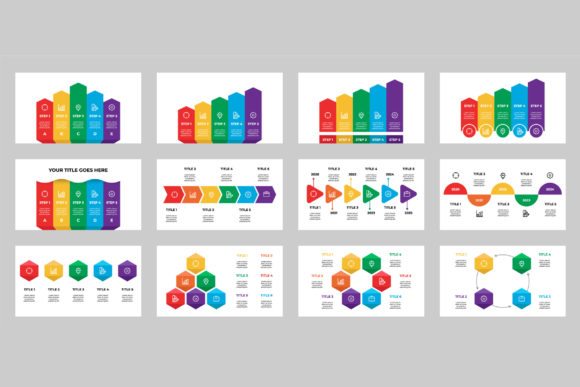
Infographics Template Bundle V.1: A Minimalist Designer’s Toolkit
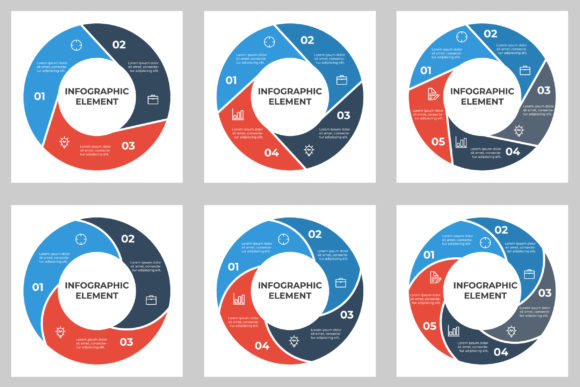
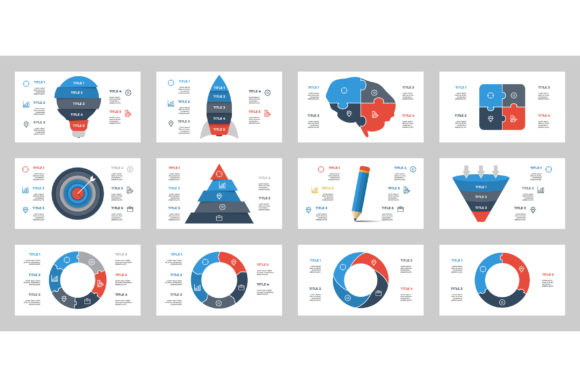
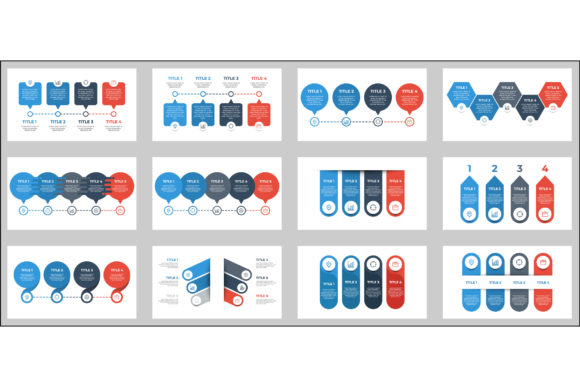
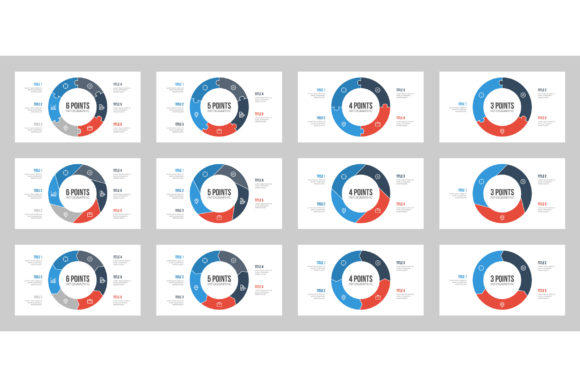
Visual communication has become a cornerstone of modern content strategy, and infographics remain one of the most effective ways to convey complex data and ideas clearly. Infographics Template Bundle V.1 offers a curated collection of 12 unique templates designed for professionals and hobbyists alike who need flexibility without sacrificing visual appeal. Built with minimalist design principles, this bundle provides a practical starting point for creating polished infographics quickly and efficiently.
What Sets Infographics Template Bundle V.1 Apart
This bundle distinguishes itself by focusing on clean aesthetics and adaptability. Each of the 12 templates is crafted with a minimalist approach, avoiding unnecessary embellishments that can clutter visuals and distract from the message. The inclusion of both Illustrator CC and EPS 10 files ensures compatibility with industry-standard design software, while the Preview JPEG allows users to visualize the layout before diving into customization.
One of the most valuable features of this bundle is its editability. Users can easily modify text, colors, and vector elements to match brand guidelines or specific project needs. This level of customization makes it suitable for a wide range of applications, from business reports to educational materials and social media content.
Comparing Infographics Template Bundle V.1 to Similar Tools
There are many infographic creation tools and template packages available, from online drag-and-drop builders to more complex design suites. Infographics Template Bundle V.1 sits somewhere between these two extremes—it offers more control than basic online tools while requiring less design expertise than starting from scratch in a vector editor.
- Online infographic builders like Canva or Piktochart offer convenience and ease of use but often limit customization depth and scalability. These tools are great for quick projects but may not suit users who need pixel-level control or print-ready quality.
- Custom vector illustration provides the most flexibility but demands significant time and skill. For users who need professional results without reinventing the wheel, Infographics Template Bundle V.1 offers a balanced middle ground.
- Premade template sets from other marketplaces may include more templates or different design styles, but they often lack the minimalist clarity and consistent structure found in this bundle.
Strengths and Limitations
Like any design resource, Infographics Template Bundle V.1 has strengths that make it ideal in certain contexts and limitations that may steer users toward other options in different scenarios.
Key strengths include:
- Minimalist design that emphasizes readability and clarity.
- Editable vector files that allow for resizing without loss of quality.
- Consistent layout structure across all 12 templates, making it easier to maintain brand coherence.
- Compatibility with Adobe Illustrator and other vector-based software.
Limitations to consider:
- Does not include animation or interactive elements, which may be necessary for digital presentations or web-based content.
- Minimalist style may not align with brands or projects that require a more vibrant or illustrative approach.
- Limited to static layouts—users seeking modular or component-based templates may find this bundle too rigid.
Best Fit Situations
Infographics Template Bundle V.1 is particularly well-suited for:
- Business professionals creating reports, proposals, or internal presentations where clarity and professionalism are key.
- Educators and trainers looking to present complex information in a digestible format without spending hours on design.
- Content marketers producing shareable visual assets for blogs, newsletters, or social media campaigns.
- Freelancers and designers needing a solid base to customize for client work without starting from scratch each time.
If your project requires a clean, modern look and you have access to Adobe Illustrator or similar software, this bundle can significantly streamline your workflow.
When You Might Choose Another Option
While Infographics Template Bundle V.1 is a versatile resource, there are situations where alternative solutions may better meet your needs:
- If your project requires animated or interactive infographics, consider tools like After Effects, HTML5-based platforms, or specialized infographic software with dynamic features.
- If you're working with limited design experience and need a more intuitive, browser-based interface, online infographic builders may offer a gentler learning curve.
- If your brand identity leans toward bold, illustrative, or highly stylized visuals, you may find the minimalist approach of this bundle too restrained.
- If you need modular templates that allow you to mix and match components across different projects, look for systems that offer reusable design elements rather than fixed layouts.
Practical Use Cases and Comparisons
Let’s consider a few real-world scenarios where Infographics Template Bundle V.1 could be the ideal choice:
- Startup investor pitch deck: A founder needs to present financial projections and market data clearly. Using a minimalist infographic template ensures that the numbers are the focus, not the design.
- University course material: An instructor wants to explain a complex theory visually. The editable text and vector elements allow for customization to match course branding while maintaining readability.
- Social media campaign: A marketing team needs to produce a series of data-driven posts quickly. The pre-designed layouts speed up production without sacrificing quality.
In contrast, if a nonprofit organization is creating a fundraising campaign that requires emotional storytelling through visuals, they may opt for a more illustrative or emotionally engaging template set instead of a minimalist one.
Making the Right Choice
Ultimately, the decision to use Infographics Template Bundle V.1 depends on your project’s specific needs, your design skill level, and the tools you have available. If you value clean design, vector flexibility, and time-saving efficiency, this bundle can be a valuable addition to your toolkit. However, if your goals require more dynamic visuals or a different design approach, exploring alternative resources may be the better path.
Before making a purchase, always consider the end use of your infographics, your target audience, and the platforms where the visuals will appear. By aligning these factors with the features of Infographics Template Bundle V.1, you can make a more informed decision that supports your communication goals effectively.